Tuesday, September 26, 2006


XMMS Music Player


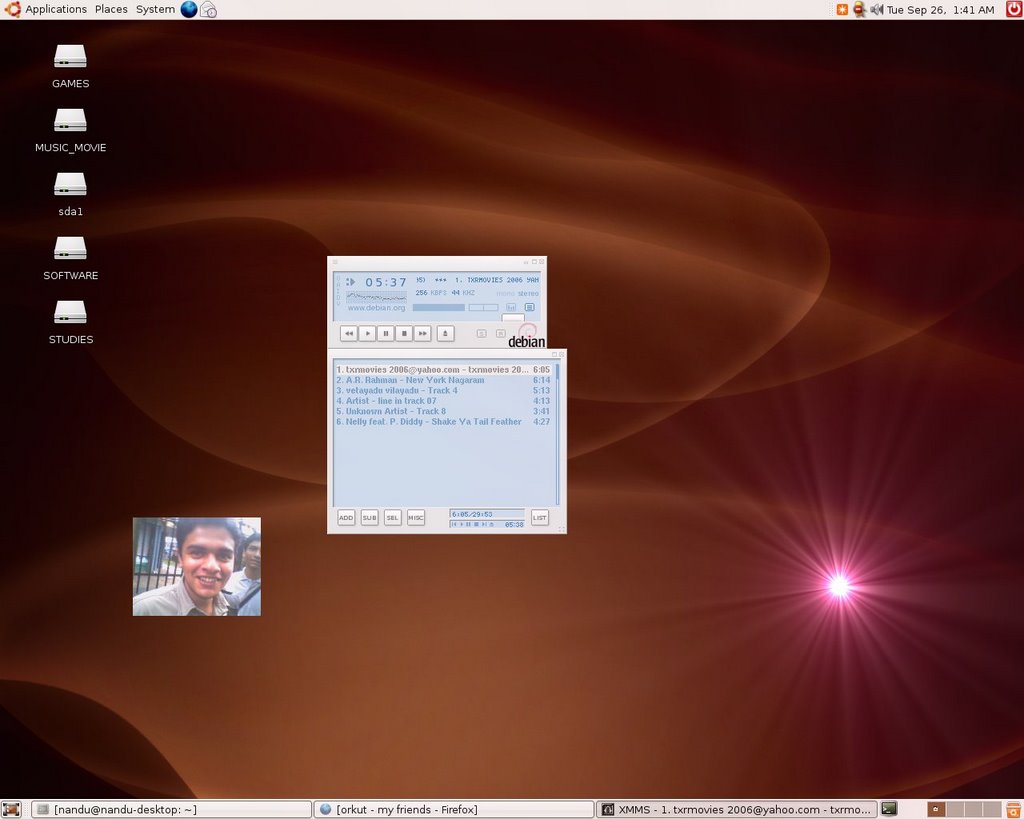
So after a long wait,I downloaded the XMMS Music Player using the Add/Remove facililty in Ubuntu6.06.I shud say that its real cool with plugins for MPEG 1/2/3 plugins and many more.I think i hav found what i have been waiting for.Now shud explore more and finally become aTux hero .[;)]Here is a screenshot of it.(Seems small ...plzz dont feel bad [:(] )


Monday, September 25, 2006


                            Fi g 1)New Opera 9.02 in action(See the tooltip)                                          


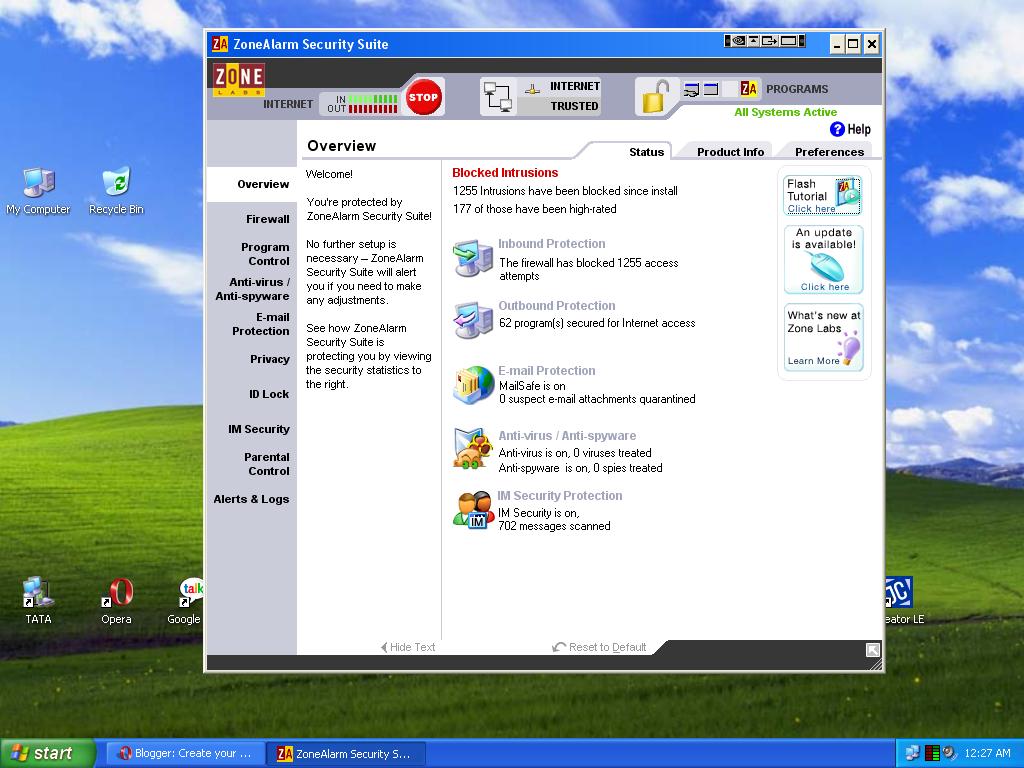
                                              Fig 2) Zone Alarm Suite in action.
  
      Yes I know i cannot justify for not blogging for almost a week,but i was enjoying my dialup
connection which i managed to setup all by myself.Yeah i still feel proud of my self.But two days
back i met with a "disaster".I dont know it was whether it was due to the Advanced Installer ,i 
installed for creating a "setup.exe"  for our self-undertaken project in JAVA.It worked but what happened was that after the next restart i couldnt open a damn single thing because "rundll32.exe" an all important one wasnt loaded .Even for opening the Run command i had to face a Open With dialog box.


Unfortunately i was so disturbed that i couldnt even think of taking a screenshot of it.So i had to format my C: drive.I didnt opt the restore option through Safe Mode.Now after installing XP( sadly SP 1),i feel like the system has gained a kick.Also i am now careful to install everything in my SOFTWARE drive(Yeah i call my D: drive by that name).Here i hav attached two screenshots ,one of new Opera 9.02 in action and other the Zone Alarm Security Suite in action.These are real two good products which every Windows user must have.

Sunday, September 17, 2006


Dear friends/Linux users

I feel extremely sorry for not updating my blog for quite some days.Infact i was all the way searching for a solution to connect to internet using my phone which has an in-built modem and a USB interface.I got a script from the net and also a piece of info from a user group where i could find a command to create and link my USB device to a device assigned the name ttyACM0.The code goes like this.
ln -sf /dev/usb/bus/001/002 /dev/ttyACM0

Now that the device connected to this bus would be linked to ttyACM0.I could figure out that my USB modem was detected from System->Preferences->Device Manager.Now my wvdial.conf is as follows.

[Modem0] Modem=/dev/ttyACM0 Baud=115200 SetVolume=0 Dial Command = ATDT init1=ATZ init2=AT+CRM=1 FlowControl= Hardware (CRTSCTS) [Dialer tata] Username= internet Password= internet Phone=#777 Stupid Mode= 1 Inherits = Modem0


So if there is any TATA Indicom user who is using LG LSP 350-T model,use this .Now setting up the ppp0 interface.

You dont have to give the dial number as #777 inside the Modem Connection properties.All you have to do is to give the user name as internet and password the same.Now a few months back when i contacted the customer services of TATA ,they said that it is not for Linux but for Windows alone.From that very day i took this as a challenge and atlast it was at 8:42 PM,September 17 2006 ,i connected my Ubuntu box to net.(I use a dual bootup system->the other piece of trash is WinXp SP2 it S****).

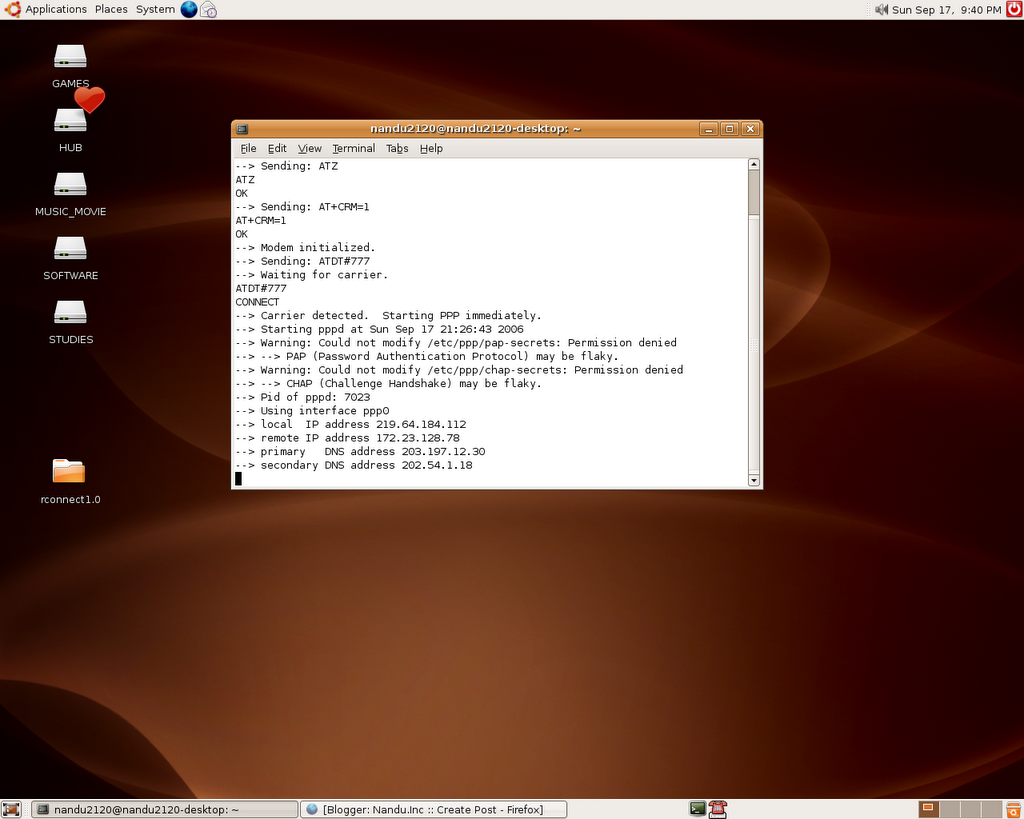
On this occasion ,to mark this humble beginning, i would like to post the screen shot of my Terminal as of now(Sun Sep 17,9,51 PM) .I am an extremely happy person and i feel prowd of myself for doing such a great thing as i m just a newbie into Linux(i installed Ubuntu 6.06 only one and a half month back with no idea what to do).